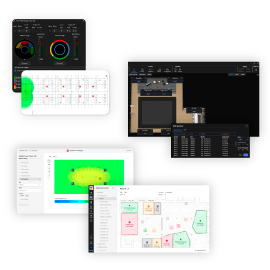
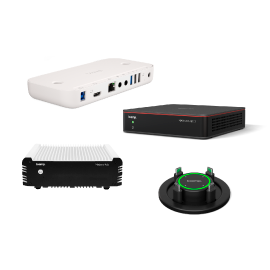
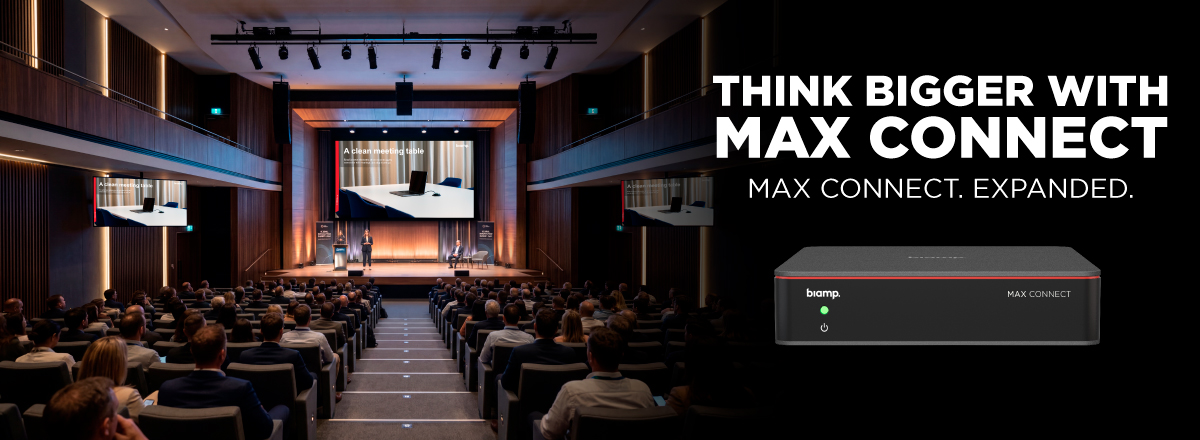
MAX Connect 1.4.0 is here—and it's
our most significant release yet. Auditorium Mode leads the way, joined by two
brand-new apps, AirPlay improvements, and a long list of updates and fixes across
the platform.
Auditorium Mode
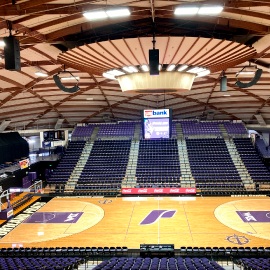
MAX Connect now scales to your
largest spaces. With Auditorium Mode, presenters connect with a single cable and
their content is automatically distributed across the room and beyond: to the main
display, up to 200 participant devices (iOS, Android, laptops, and browsers), and up
to six Android Smart Displays using the new MAX Display App.
Whether it's an auditorium, training
room, town hall, or overflow area—every participant can easily follow along, no
matter where they are.
Auditorium Mode is enabled through a
one-time license per device.
Two New
Apps
MAX App for Android—Participants on
Android devices can now connect, view and share content natively, with no browser
required.
MAX Display App for
Android—Purpose-built for Auditorium Mode. Turn any Android Smart Display or Android
TV dongle into a dedicated content screen, extending your presentation to up to six
additional displays across the room.
Also in This
Release:
- AirPlay
cross-subnet discovery using Bluetooth
- Updated UI
across Windows, MacOS, iOS, and Moderator apps
- Embedded
firmware updates for the Vidi 280 and Parlé VBC 2800
- Multiple
stability and performance fixes