














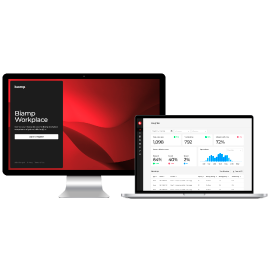








Installing and configuring AV systems should be straightforward. In reality, the workflow is often fragmented and time-consuming.
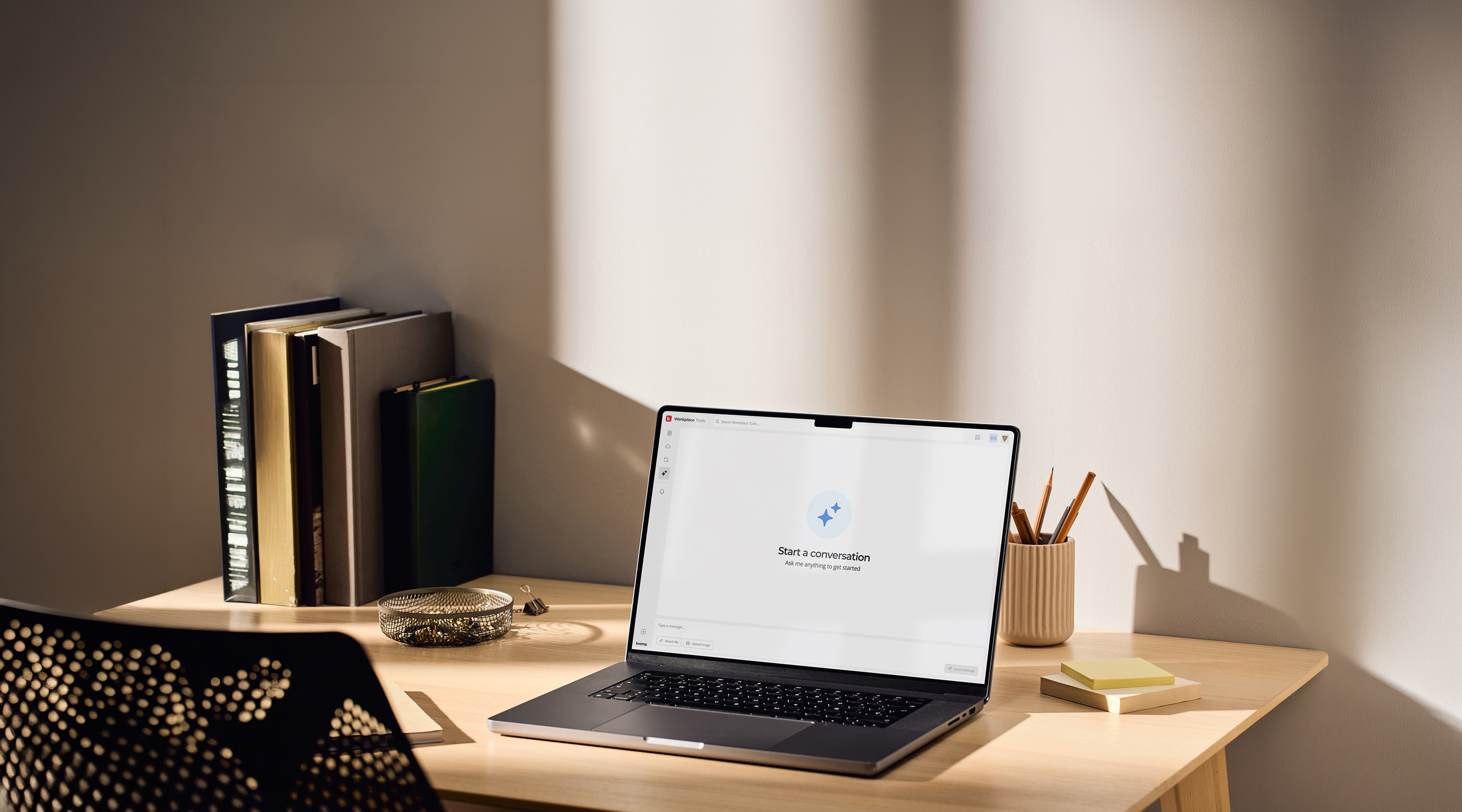
Workplace Tools
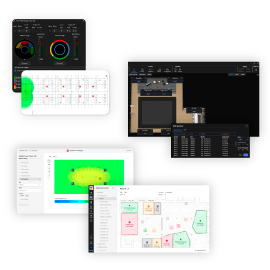
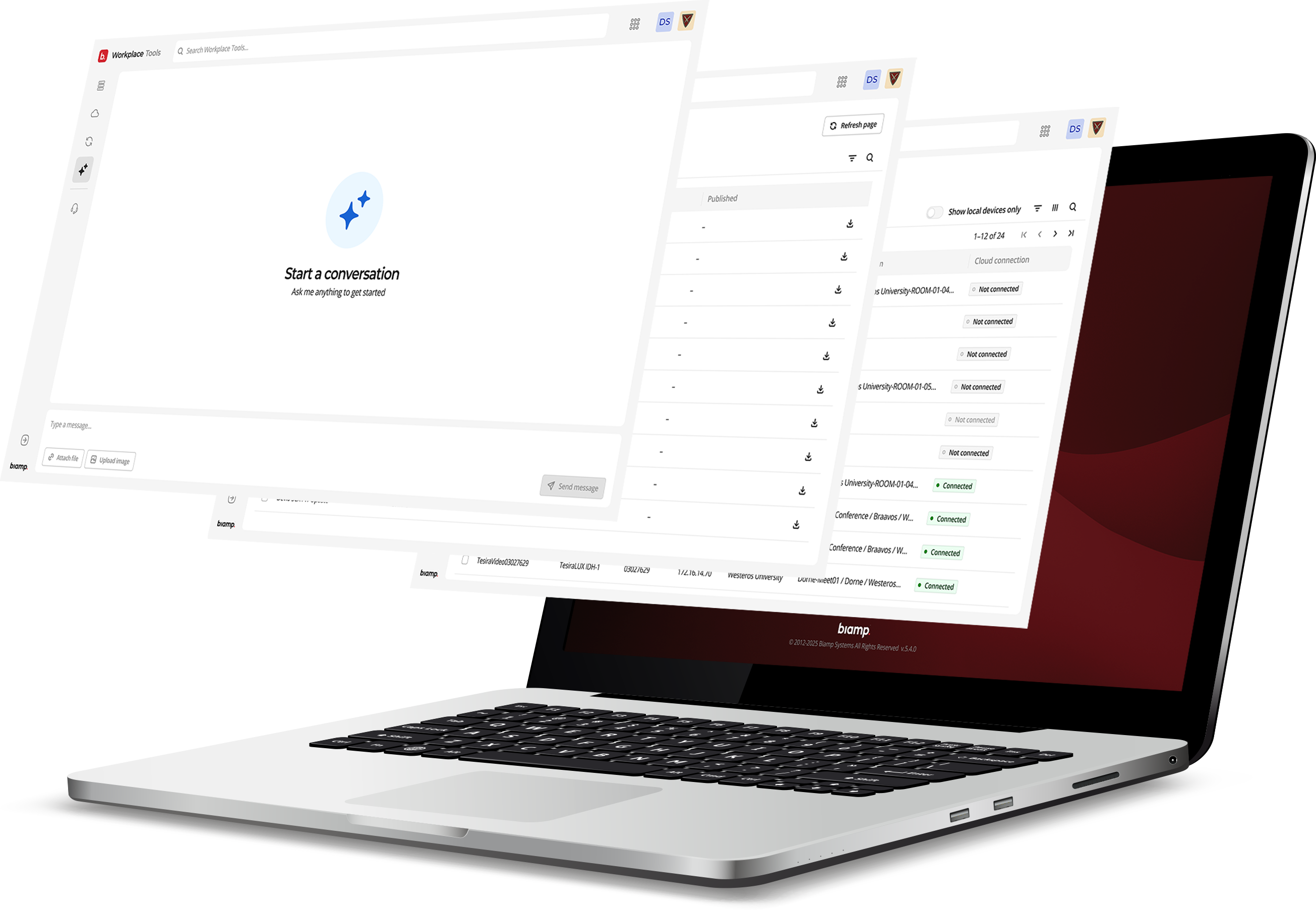
From device discovery to cloud-connected — in one tool. No more switching between systems, repeating steps, or returning on-site for small changes.

Device Discovery

System Configuration

Firmware Updates

Built-in AI Agent

Workplace Connection

Switching between multiple tools, manuals, and systems just to complete one task.
Losing time searching for the right tools and repeating steps across devices and rooms.
Working under pressure on-site with many devices and little room for error.
Having to return on-site for small changes that could have been handled remotely.
Repeating the same fragmented workflow across multiple rooms and deployments.
From Fragmented to Unified
One Workflow for Installation
and Deployment
Workplace Tools brings everything into one unified workflow, so you
can move through installation without switching between systems.
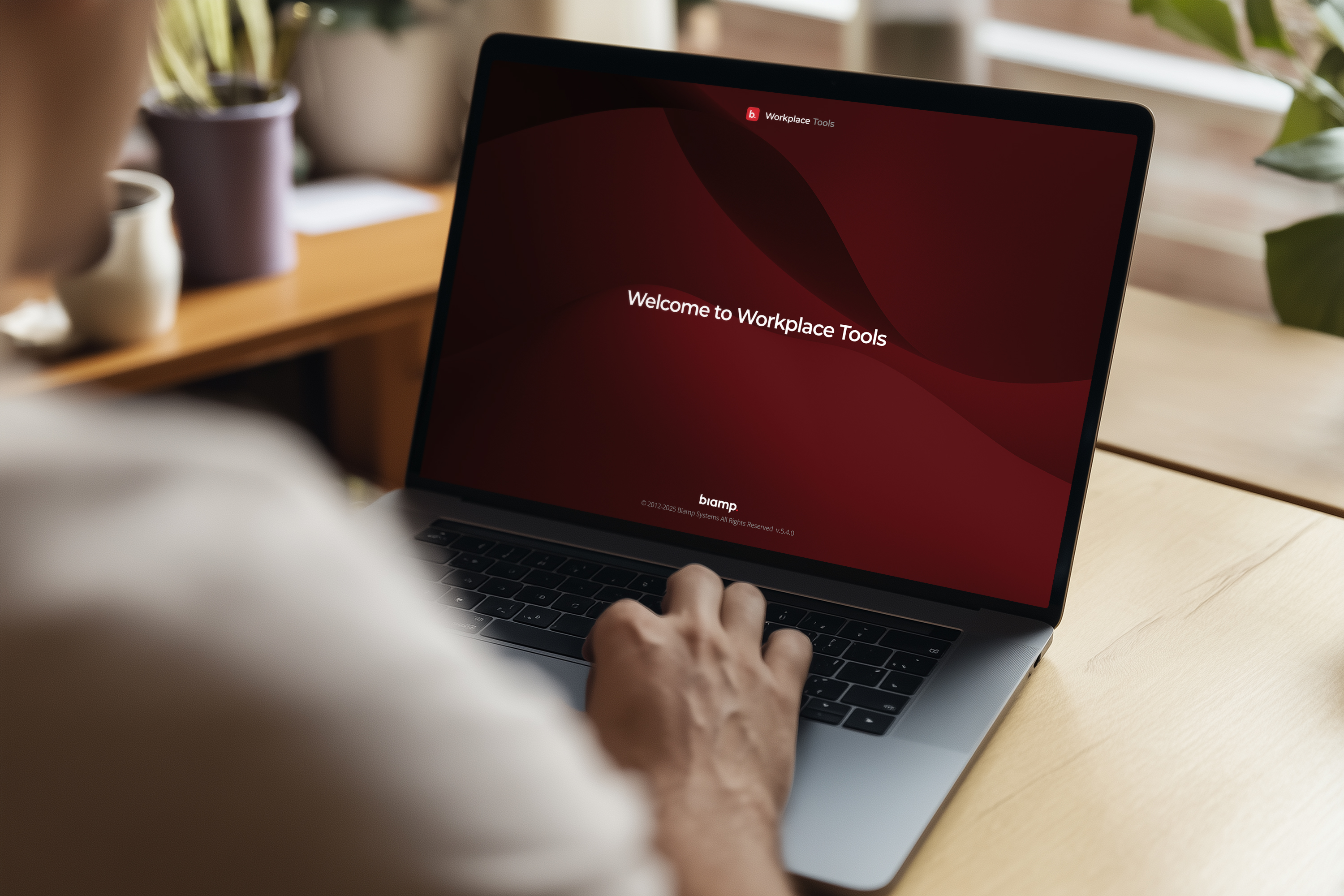
Discover and Prepare
Find devices, access information, and get ready to configure systems without switching tools.

Discover devices on the local network

Access device details, documentation, and guidance
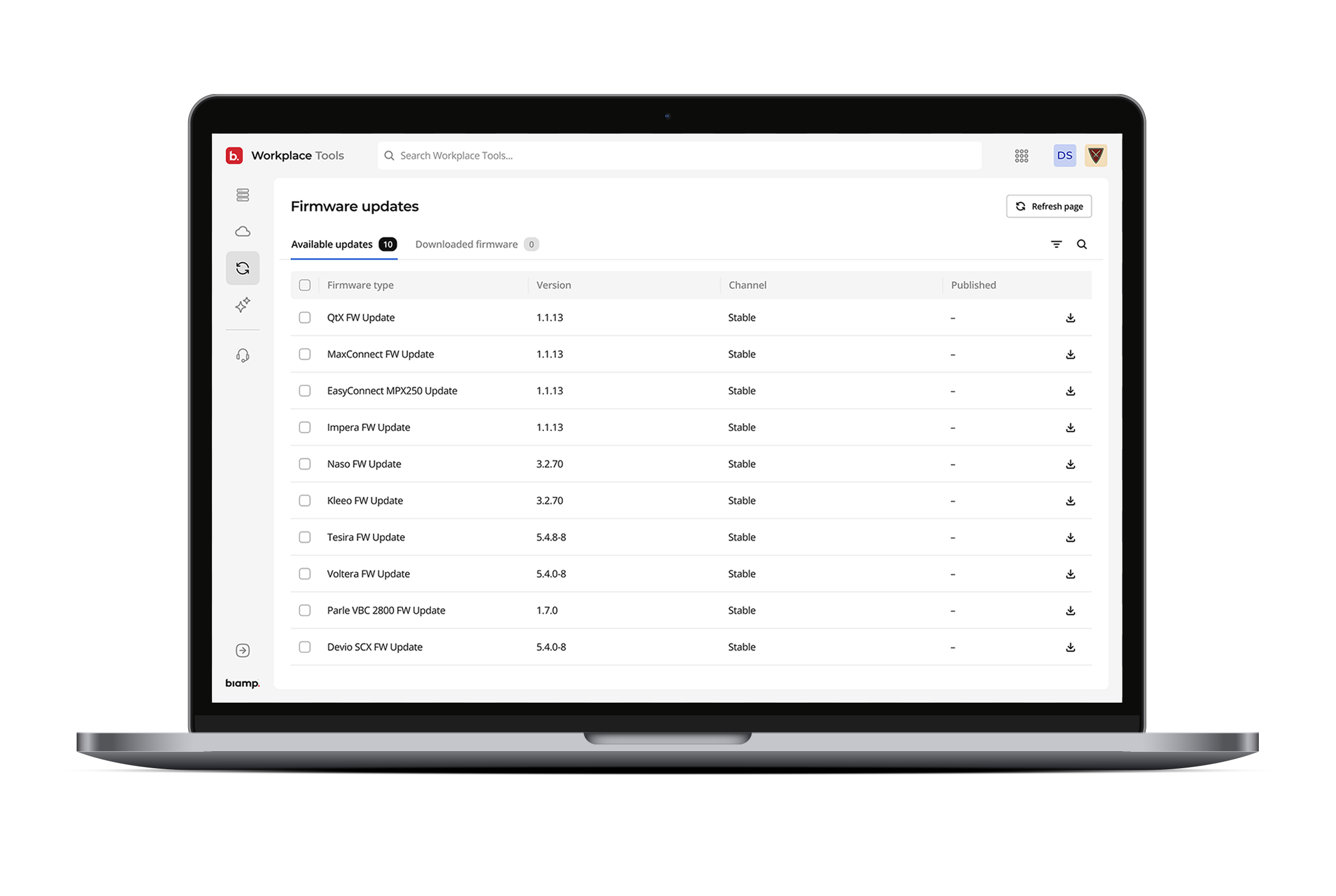
Configure and Update
Adjust settings and update devices in one place, with full control over system configuration.

Configure device settings across the AV system

Update firmware locally, even without internet access
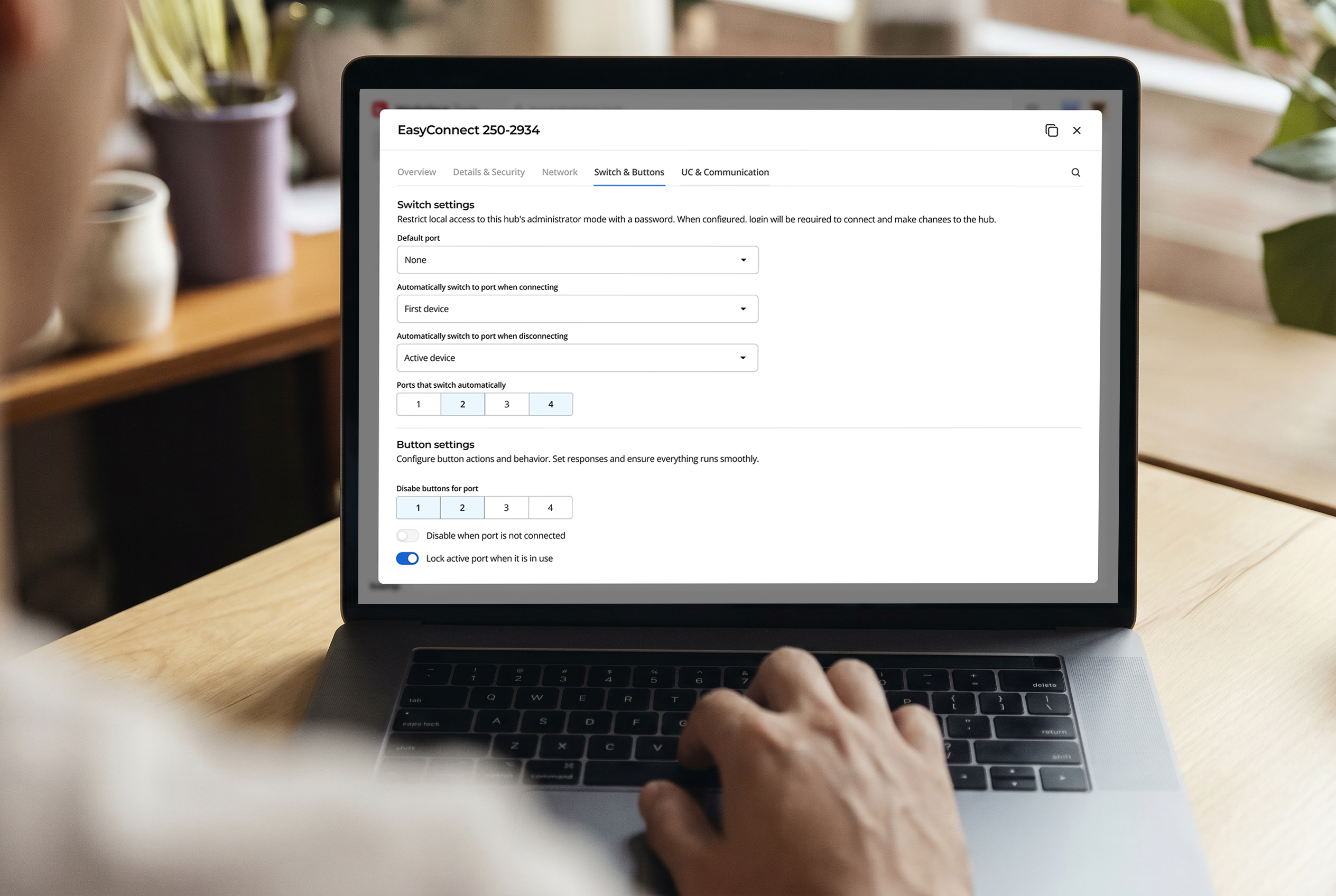
Deploy and Validate
Deploy configurations and validate system readiness before leaving the site.

Deploy system configurations across devices

Validate performance and readiness during installation
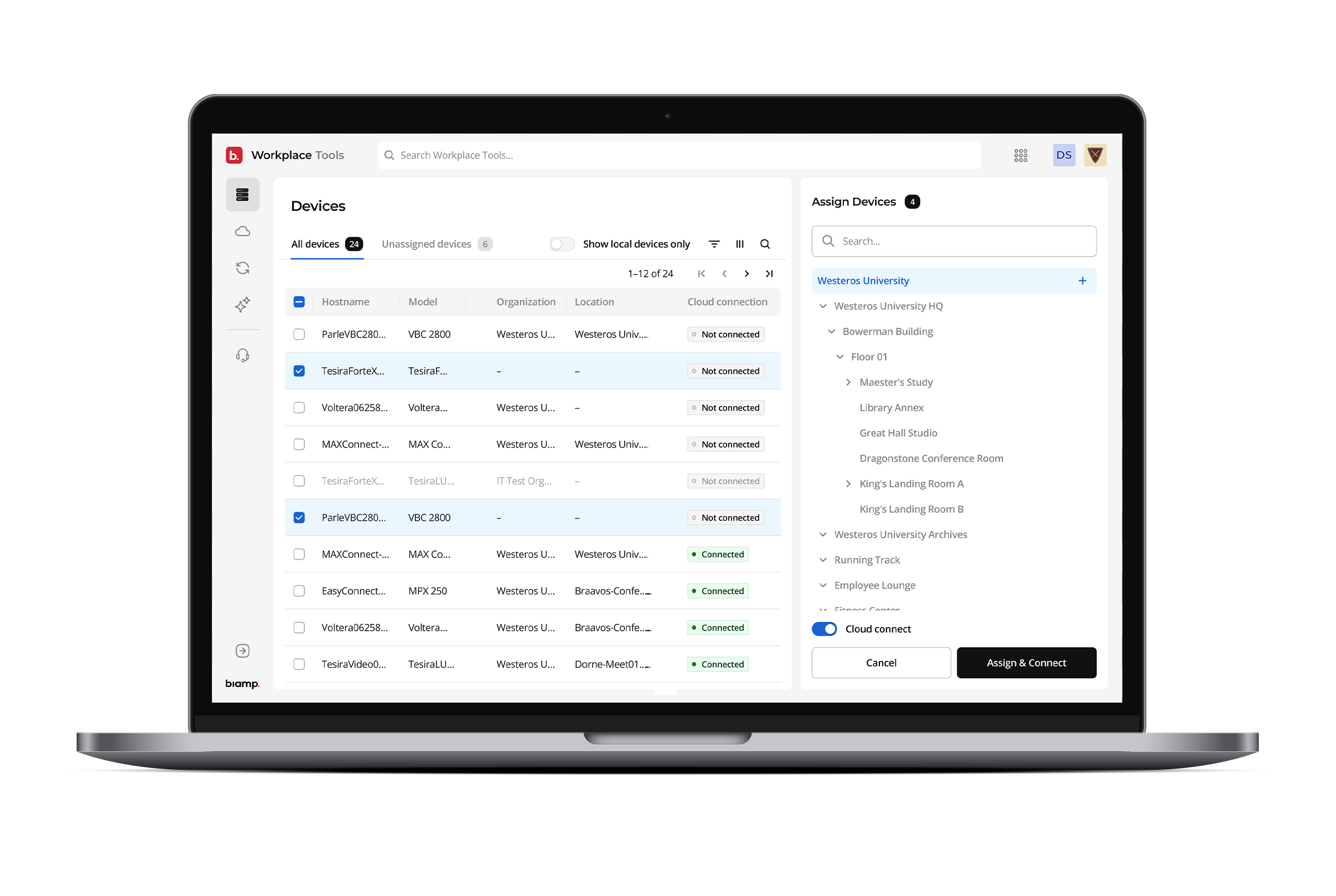
Connect and Manage
Connect devices to Workplace to enable remote management and reduce on-site return visits.

Deploy devices to locations and organizations

Connect to Workplace cloud for ongoing management
AI Agent
Built Into the Workflow
Get Answers Instantly: Ask questions about settings, values, and configuration directly in the tool, without searching manuals or switching tools.
Stay in Your Workflow: Access guidance and documentation in context, so you can keep moving without interruptions or context switching.
Configure with Confidence: Understand settings and options before applying changes, reducing errors and avoiding unnecessary rework or site visits.
Frequently Asked Questions
Workplace Tools is a desktop application for installers and integrators that brings device discovery, configuration, firmware updates, and Workplace connection
into one workflow. Take a system from first device discovery to fully commissioned and cloud-connected — without switching between tools or duplicating
effort.
Yes. Tools is built for the realities of installation environments where cloud access isn't always available. Discover devices on the local network, configure
systems, and push firmware updates locally — no internet required. When you're ready to connect to Workplace, Tools handles the cloud activation in the same
workflow.
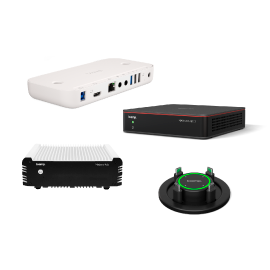
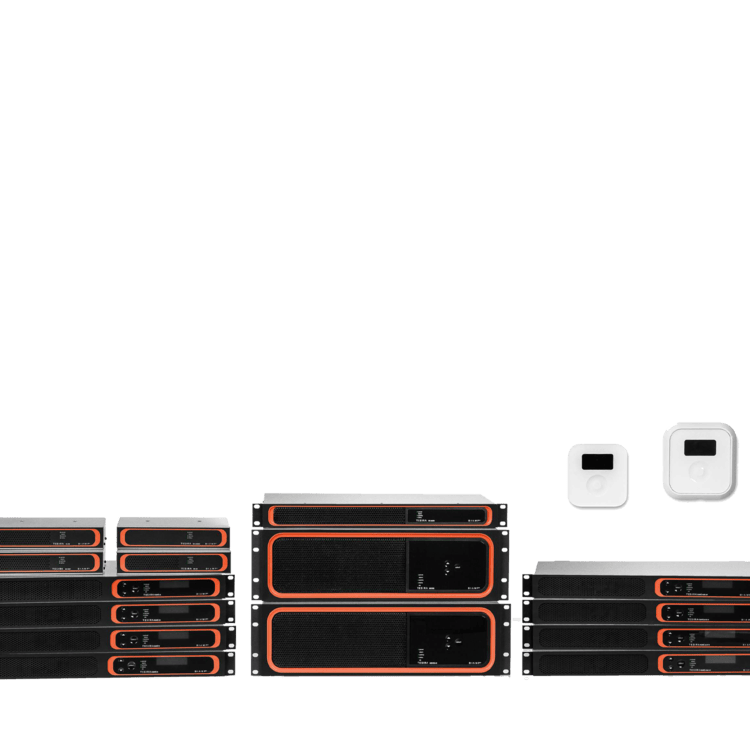
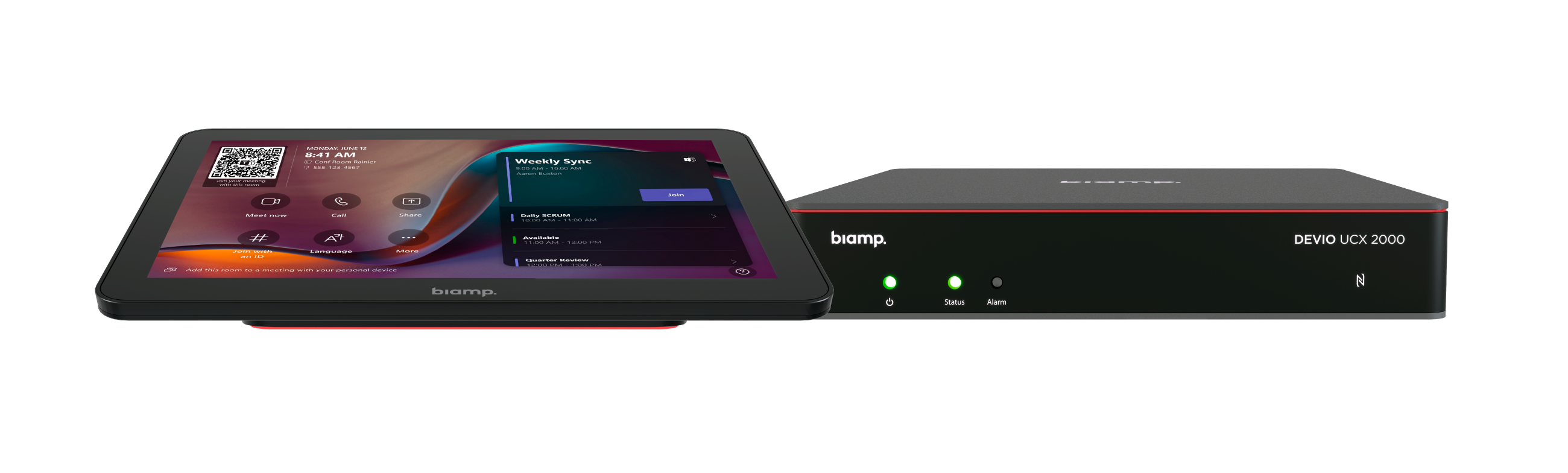
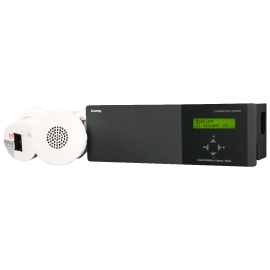
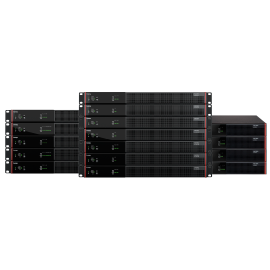
Tools supports the full Biamp portfolio — including Tesira, Vocia, Parle, Qt X, amplifiers, and Workplace-ready devices. Discover devices on the local network,
access their details and documentation in-context, and configure network, audio, and system settings from one application.
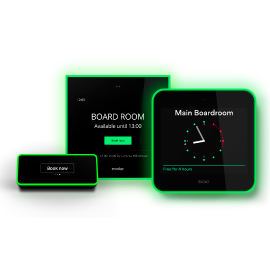
Once configured, Tools assigns each device to a location and organization in Workplace — building the foundation that Admin, Command, Booking, and
Control all build on. After devices are connected, your team can manage, monitor, and control them remotely without returning on-site.
Workplace Tools runs as a desktop application on Windows and macOS, with a consistent workflow across both platforms. No browser required, no client-side
configuration — install once and you're ready to commission systems.